
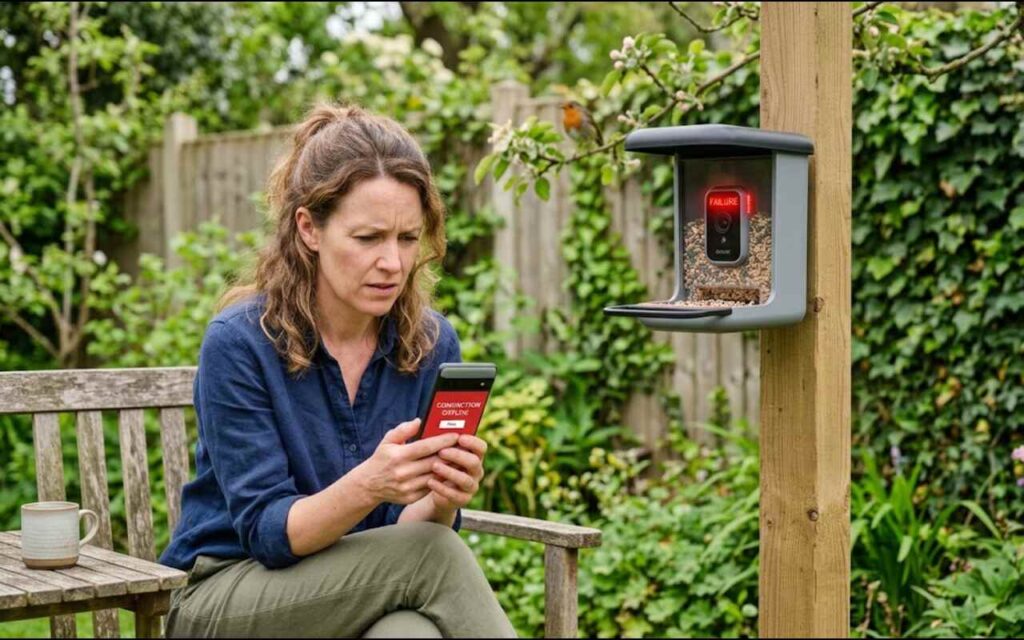
Dealing with a smart bird feeder offline error is one of the most common frustrations reported by backyard bird enthusiasts. These devices combine wildlife observation with sensitive IoT electronics, making them vulnerable to signal drops and power fluctuations. Understanding the technical intersection between home networking and outdoor hardware is the key to restoring your feeder stream.
While standard troubleshooting guides suggest restarting your phone, the underlying failure almost always stems from RF signal blockage, power cycling faults, or network routing conflicts. Addressing these physical and digital bottlenecks will keep your camera connected through harsh weather and heavy bird traffic.
| Brand | Flashing Light Meaning | Offline Culprit | Instant Fix |
|---|---|---|---|
| Bird Buddy | 🔴 Blinking Red / 🟡 Yellow | Failed Wi-Fi sync / Low battery | Hold power button for 2 seconds to reboot, or charge for 4 hours. |
| Netvue Birdfy | 🔵 Flashing Blue | Stuck in Wi-Fi Configuration Mode | Double-press the power button to exit config or scan app QR code. |
| Bilantan Bird Lover | 🟢 Flashing Green | Bluetooth pairing mode timeout | Hard reset using the pin tool next to the charging port. |
| All Brands | ⚫ No Light / Dead | 5GHz router band rejection | Temporarily disable your router’s 5GHz band to force a 2.4GHz link. |
Dual-Band Router Band Steering and 2.4 GHz Signal Drops
Smart bird feeders like the Bird Buddy and Netvue Birdfy universally rely on 2.4 GHz network chips to maximize transmission distance through exterior walls.
Modern home mesh networks (such as eero or Google Nest Wi-Fi) and dual-band routers, however, frequently employ automated band steering that attempts to push connected devices onto 5 GHz frequencies.
When a smart feeder cannot complete this 5 GHz handshake, the router drops the connection or leaves the feeder in an unauthenticated state, resulting in a live-stream failure.
Inside your app’s network settings, look for the signal strength indicator: anything weaker than -70 dBm (decibel-milliwatts) combined with aggressive band steering will trigger constant drops.
To resolve these handshake failures, you must adjust how your router broadcasts backyard coverage. Most IoT feeder camera modules lack the processing power to negotiate dynamic frequency switches.
Implementing dedicated network parameters provides an immediate, permanent fix for intermittent disconnections:
- Isolate the SSID: Assign a dedicated 2.4 GHz guest network specifically for your backyard smart devices.
- Disable Band Steering: Turn off dynamic band steering on the main router channel that serves exterior yard zones.
- Narrow the Bandwidth: Set the 2.4 GHz channel width to a standard 20 MHz rather than 40 MHz to minimize external radio interference.
- Lock the IP Address: Reserve a static local IP address for the feeder inside router DHCP settings to prevent lease renewal dropouts.
Once your router stops trying to force the camera onto 5 GHz, connection stability improves substantially. A static IP configuration also prevents the feeder from losing network visibility during automated nightly router reboots.
Outdoor Radio Frequency Attenuation and Physical Obstacles
Backyard environments present severe physical barriers to wireless signals that do not exist inside climate-controlled living spaces. Exterior walls insulated with foil-faced foam, brick veneer, and metal wire lath beneath traditional stucco act as unintentional Faraday cages that scatter Wi-Fi signals.
Even modern energy-efficient low-E glass windows feature microscopically thin metallic oxide coatings that attenuate radio frequency propagation. Natural elements also degrade connectivity in unpredictable ways throughout the changing seasons.
Water molecules absorb 2.4 GHz microwave radio frequencies efficiently; dense, rain-soaked foliage or heavy snow accumulation on branch canopies can abruptly sever an established link. The following physical factors consistently degrade transmission range between access points and feeders:
- Stucco exterior walls equipped with underlying galvanized wire mesh screening.
- Double-pane low-E glass sliding patio doors located in the direct signal pathway.
- Wet leafy vegetation, dense evergreen hedges, and moisture-saturated timber fencing.
- Competing 2.4 GHz signals emitted by outdoor security cameras, baby monitors, and garage openers.
Relocating your indoor access point closer to an untreated window facing the feeder often restores critical decibel levels. Alternatively, deploying a weather-rated outdoor access point eliminates building envelope attenuation entirely.
Cold-Weather Lithium-Ion Battery Drops and Solar Voltage Brownouts
When an app suddenly reports that a Netvue Birdfy or Bird Buddy feeder is offline in the middle of winter, battery chemistry is frequently the primary culprit. Standard smart feeder cameras use lithium-ion battery cells, which suffer from increased internal resistance when ambient temperatures drop below 32°F (0°C).
At freezing temperatures, the battery cannot deliver the instantaneous voltage required to power both the camera sensor and the Wi-Fi transmission radio simultaneously. If the signal is already marginal (hovering around -75 dBm), this voltage drop cuts the power before a final disconnect packet can be sent to your app.
Forum users frequently observe that supplementary solar panels can inadvertently trap the feeder in a destructive reboot loop. When weak winter sunlight supplies just enough current to reach the boot threshold, the camera attempts to turn on, draws excess power, and immediately crashes back into a brownout state.
- Indoor Recharge: Bring the battery module inside to recharge fully at room temperature using a verified wall adapter.
- Port Inspection: Inspect solar panel micro-USB and USB-C connection ports for silicone gasket displacement or frost penetration.
- De-ice the Array: Wipe away snow crust, frozen sap, and bird droppings from the solar array surface using a soft microfiber cloth.
- Winter Bypass: Disconnect the solar panel during sustained sub-freezing spells and rely on manual indoor battery cycling.
Operating on a manually recharged module during sustained cold snaps prevents hardware damage and stops continuous boot failure cycles. It also ensures the internal battery heater, if present, does not waste limited power trying to warm freezing cells.
PIR Motion Sensor Sleep Cycles and App Sync Failures
Smart feeders conserve limited battery capacity by remaining in a low-power deep sleep mode until triggered by an onboard passive infrared (PIR) motion sensor.
If flocking birds like European starlings or house sparrows trigger the sensor hundreds of times in a single afternoon, the battery will rapidly deplete. When the power drops sharply while the device is actively transmitting video, the feeder drops offline abruptly.
Conversely, software timeouts occur when the camera fails to wake up from its scheduled keep-alive ping. If local network congestion delays the feeder handshake by even a few seconds, the mobile app marks the unit as disconnected.
The following adjustments optimize sensor trigger frequency and prevent system communication lockups:
- Lower the PIR motion sensitivity setting within the app to prevent false triggers from windblown tree limbs.
- Define active wake-up windows during peak morning and late afternoon foraging hours to silence overnight triggers.
- Clear cache memory directly within the smartphone companion app to eliminate stale cloud connection tokens.
- Set the camera recording clip duration to short intervals of ten to fifteen seconds to limit Wi-Fi transmission strain.
Restricting excessive activation cycles preserves both battery voltage and network responsiveness. This balance ensures the feeder retains sufficient reserve energy to maintain its scheduled keep-alive communications with cloud servers.
Safe Feeder Placement, Window Collision Distances, and Housing Resets
Solving connectivity problems should never compromise the physical safety of your backyard birds. Enthusiasts frequently move an offline feeder closer to the house to catch a stronger Wi-Fi signal, inadvertently placing birds directly inside dangerous collision corridors.
According to research cited by the American Bird Conservancy and Audubon, bird feeders must be placed either within 3 feet of a window or beyond 30 feet away.
Placing the feeder within 3 feet prevents birds from gaining enough flight speed to sustain fatal injuries if they flush into the glass.
Positioning it beyond 30 feet provides sufficient clearance for birds to recognize reflections and change trajectory. If repositioning the feeder does not bridge the connection gap, execute a physical hardware reset:
- Press and hold the physical reset pinhole button for fifteen seconds until the LED indicator flashes yellow or red.
- Remove the micro-SD card and inspect it for filesystem corruption, which can cause the boot firmware to freeze.
- Clean polycarbonate seed reservoirs and camera lenses using a mild 1:9 bleach-to-water dilution rather than boiling water.
- Inspect rubber port seals and apply a thin layer of dielectric grease to prevent outdoor moisture intrusion.
Boiling water must be strictly avoided during cleaning, as excessive thermal shock warps polycarbonate feed hoppers and compromises camera weatherproofing.
Maintaining tight physical seals and correct spatial geometry protects both sensitive optics and visiting wildlife over the long term.